People management, finally made simple
Shifts, time tracking, requests, and payslips in one system — for the HR team that decides, and for the employee who lives it all from the app, in their own language.
See how it works, module by module
Not another HR system to memorize: a tool that follows the real pace of a company with multiple offices, shifts to cover, and employees who speak different languages.
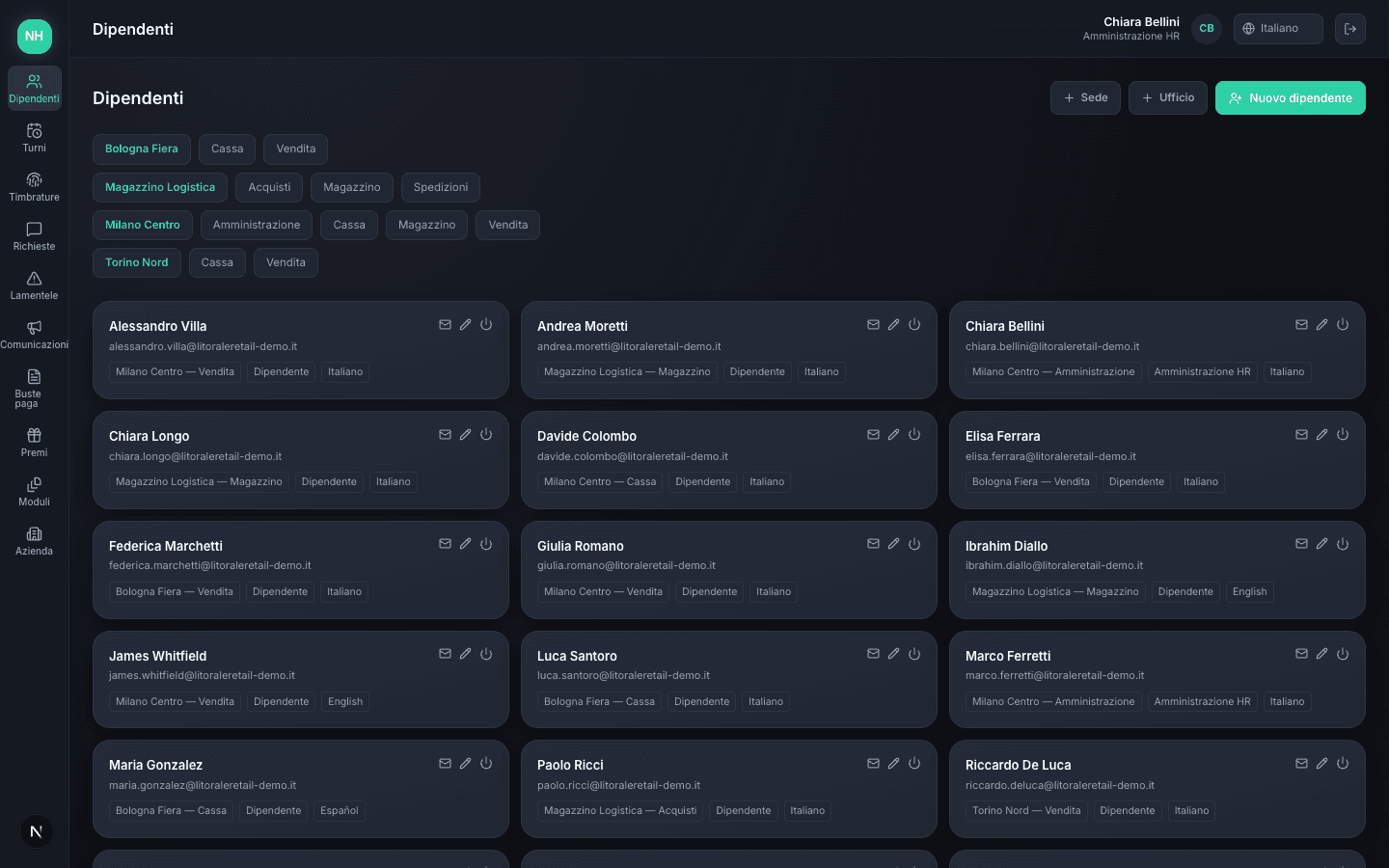
Every employee, with their own office and language
In a company with multiple locations, knowing who belongs to which office — and which language to speak to them in — usually means separate spreadsheets nobody keeps up to date.
Every employee has their own office, role, and preferred language — the invite arrives by email, they choose their own password, and from that moment on they only see what concerns their department.
Shifts write themselves — you review and confirm
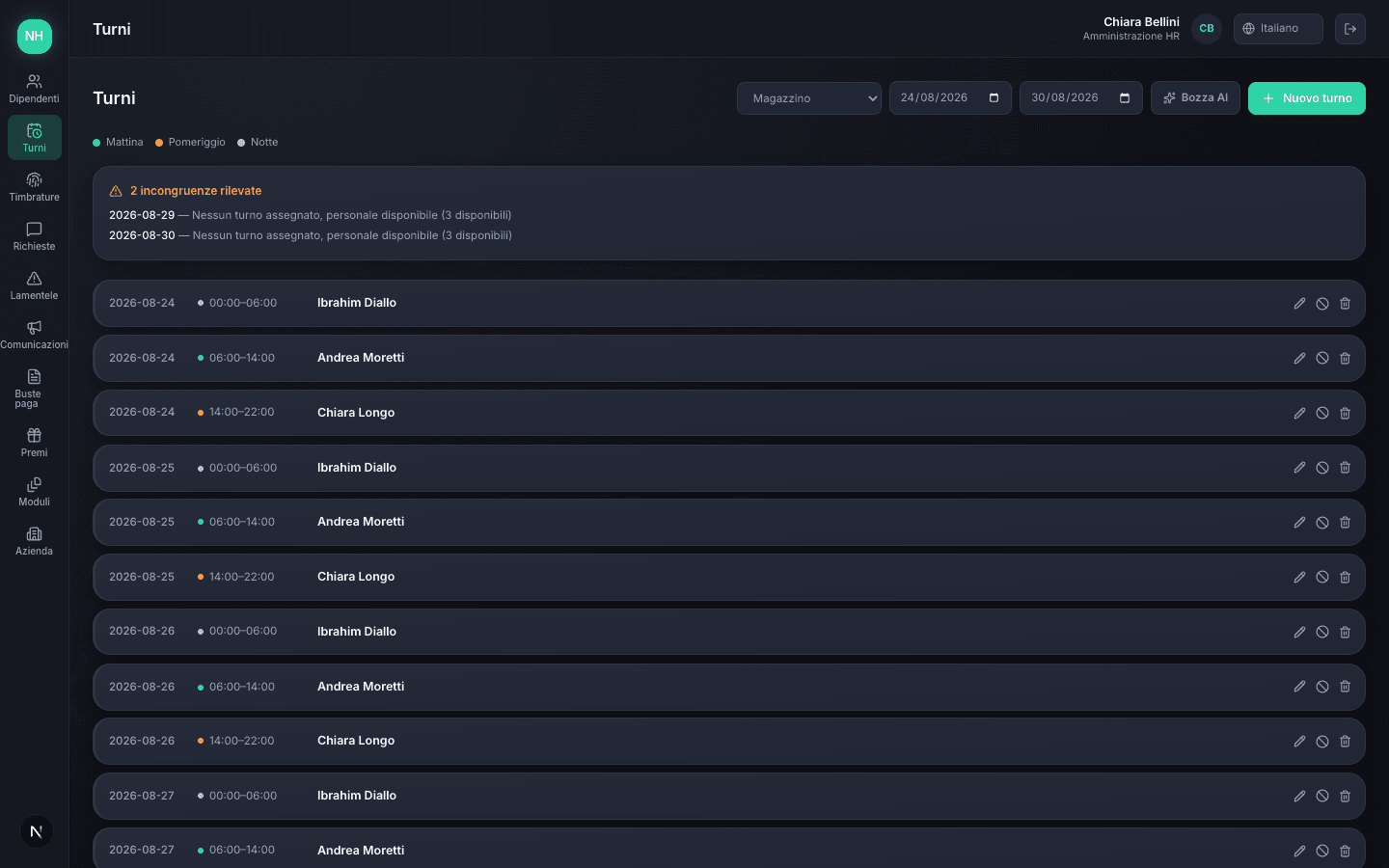
Writing shifts for multiple offices by hand, checking approved leave and absences, is a puzzle you redo every single week.
An AI proposes a draft schedule that accounts for approved leave and existing shifts — you review it, adjust it, and publish it with one tap. Never an automatic publish without your review.
Your shift, at a glance on your phone
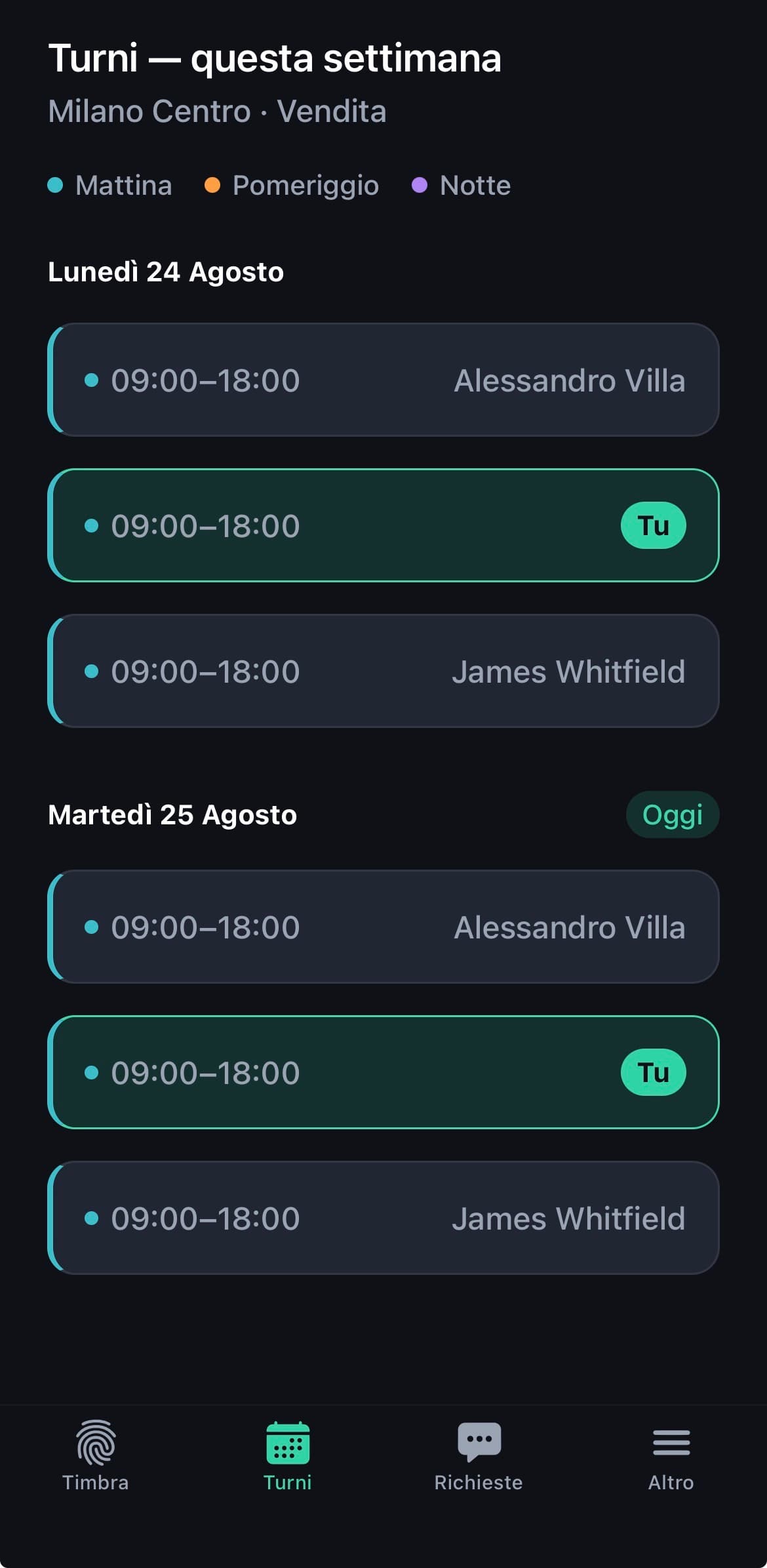
A spreadsheet shared by email or a photo of the noticeboard doesn't tell anyone, at a glance, who's on mornings, afternoons, or nights.
Every employee sees their shifts in the app, grouped by day and colour-coded by time band — morning, afternoon, night — with their own shift always highlighted against their colleagues'.
Employees clock in only if they're actually there
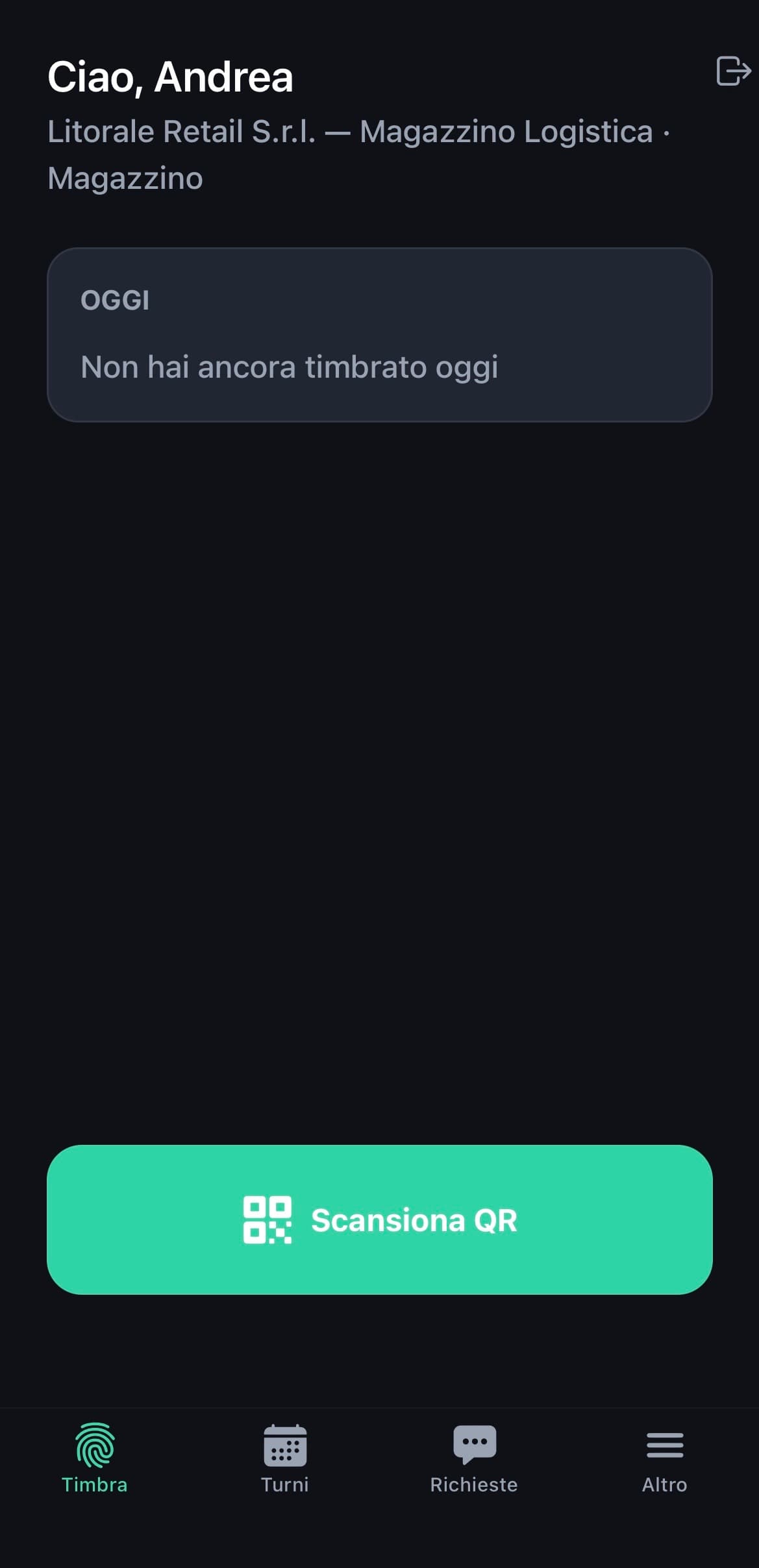
A paper timecard can be punched by a colleague on your behalf. An app with a simple "clock in" button has exactly the same problem.
The employee scans a QR code or a fixed NFC tag at the entrance, and the app also verifies GPS location — out of range, the clock-in is rejected. The rounded time is calculated automatically based on the scheduled shift.
Leave, permits, and sick days, translated in real time
An employee writing in another language risks not being understood right away — and a sick leave request almost always arrives before the medical certificate.
The employee writes in their own language, HR reads the request already translated and replies in theirs — the translation goes back automatically. The INPS protocol number can be added later too, once it arrives from the doctor.
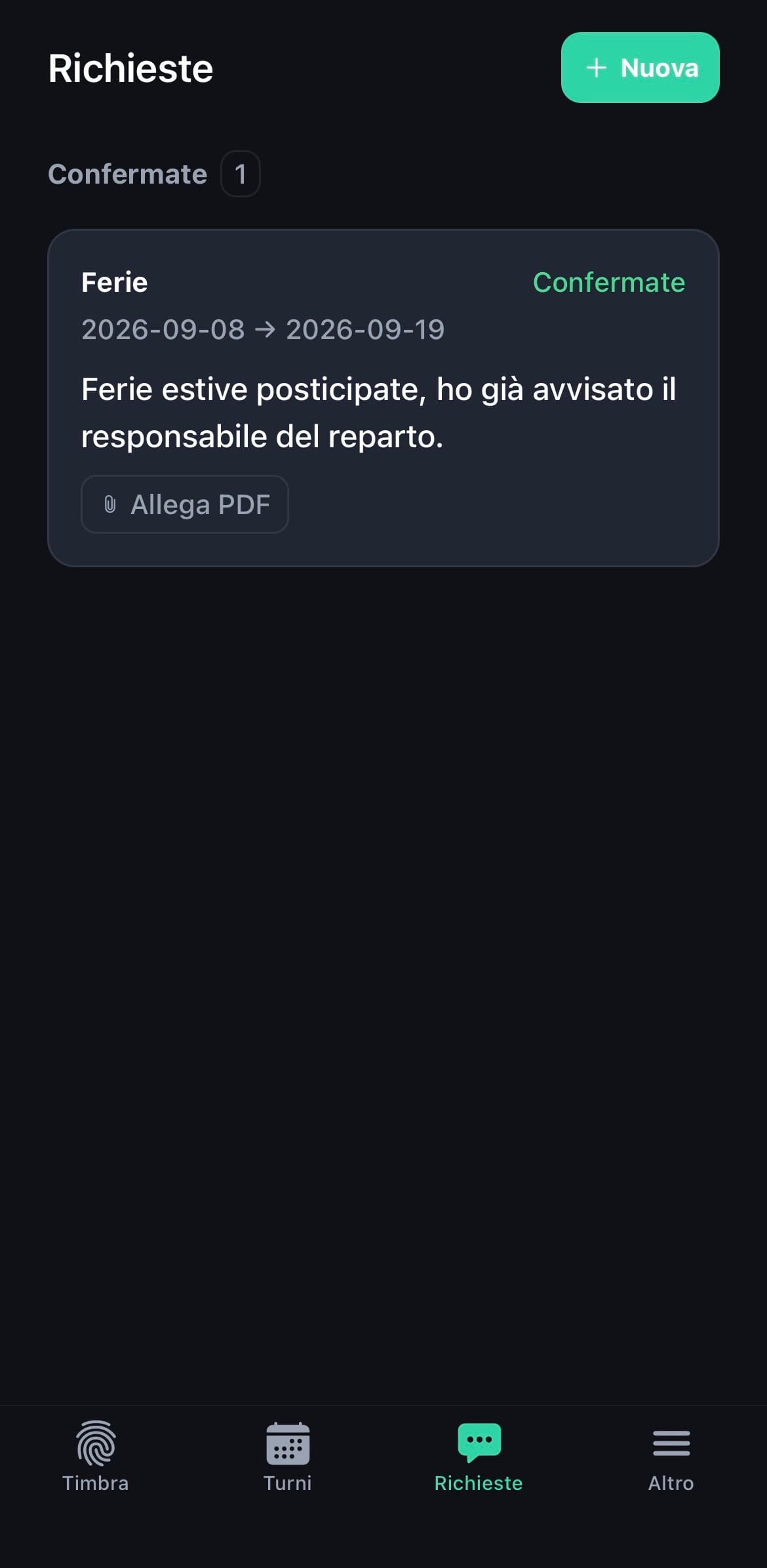
A reported problem is a problem that can be solved
A payslip that doesn't add up or a small mishap often go unsaid, until they turn into widespread discontent.
The employee reports it, HR manages the status — open, in progress, resolved — and replies with a note automatically translated into the employee's language. Everything tracked, nothing lost in a forgotten email.
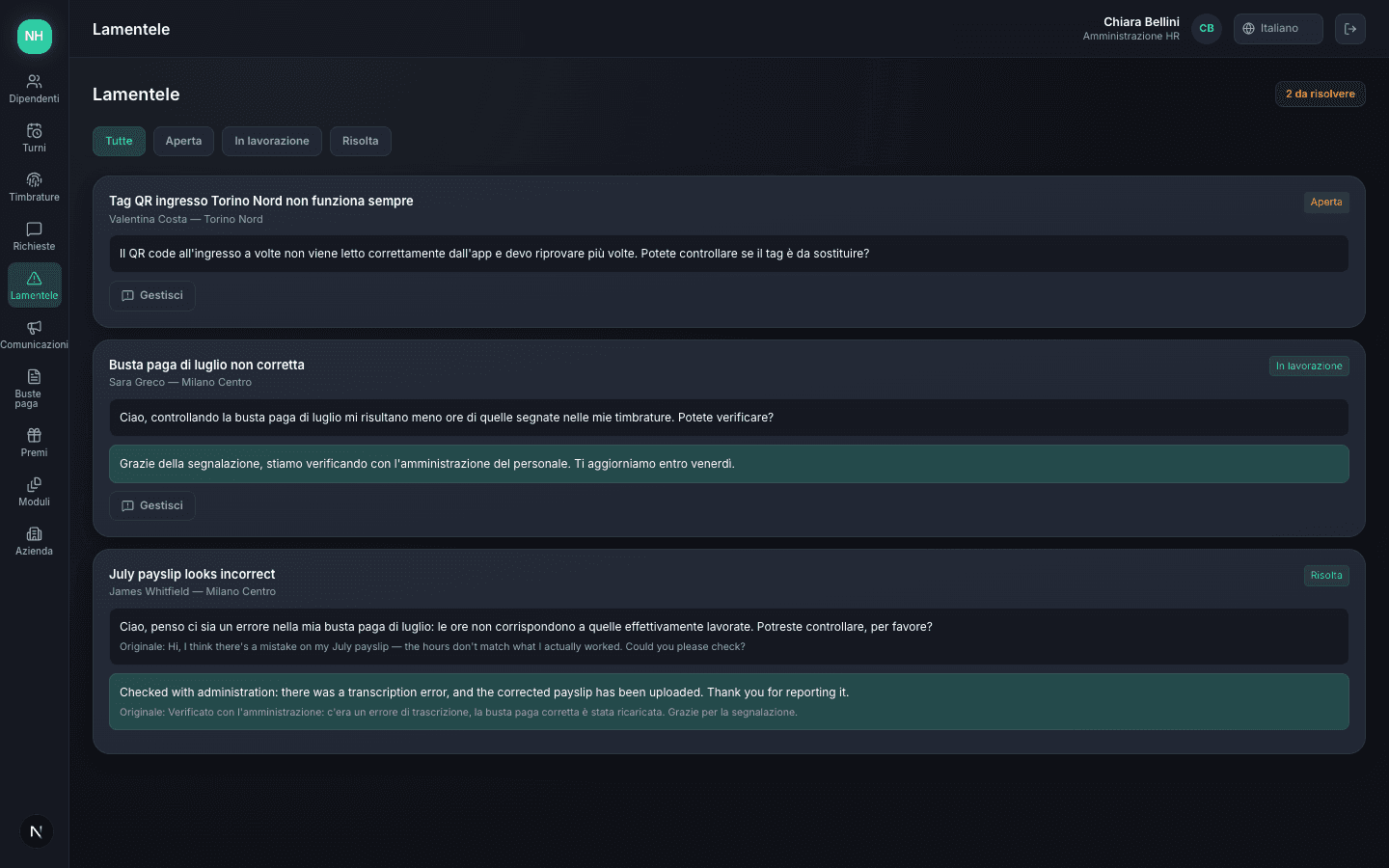
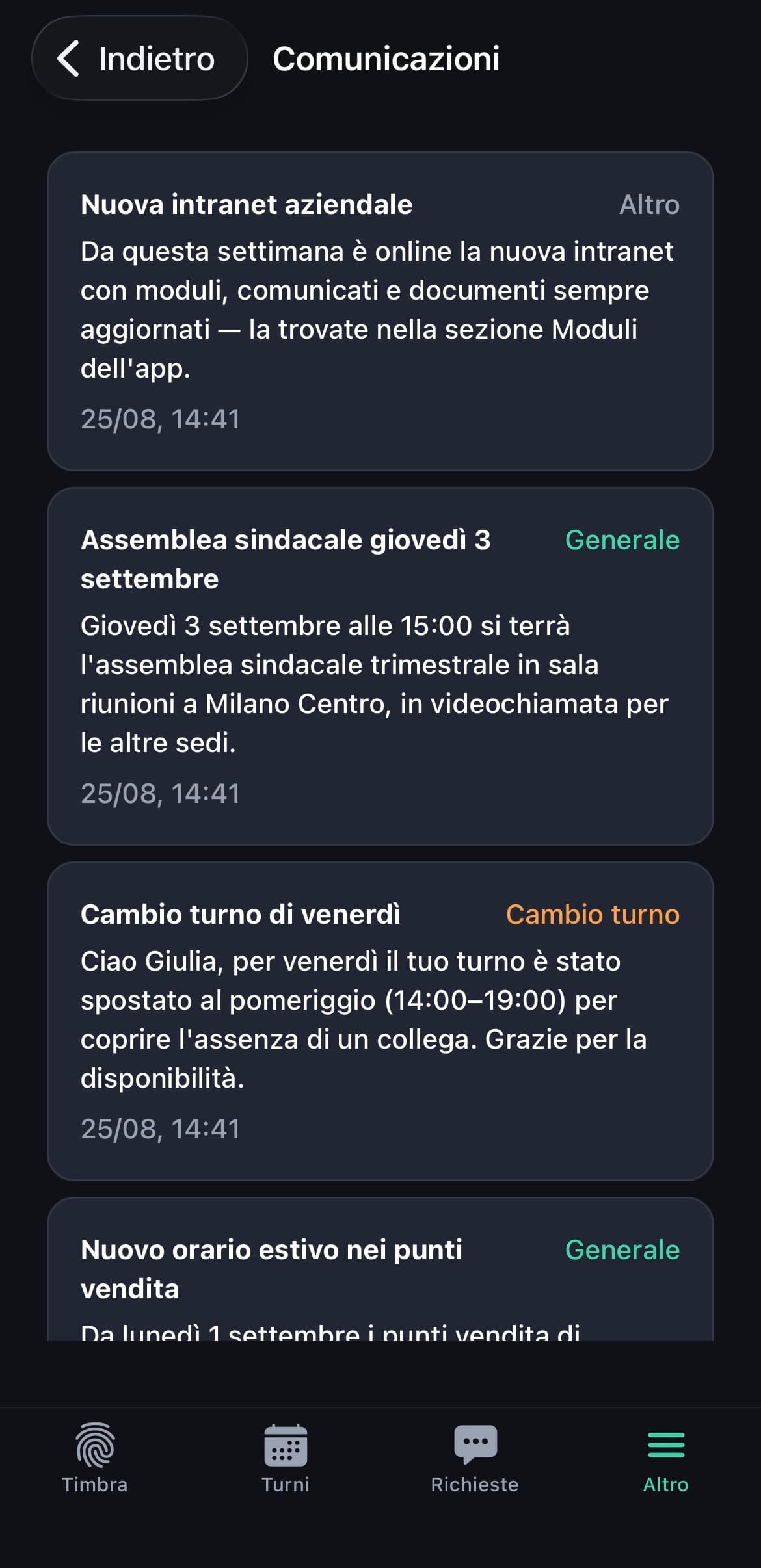
A message to the whole company, or to just one person
A sudden shift change or a personal warning often end up on WhatsApp — informal, untracked, easy to lose.
HR sends broadcast communications to the whole company or targeted ones to a single employee — a shift change, a warning, a general notice — and they stay in the app's history, not in a private chat.
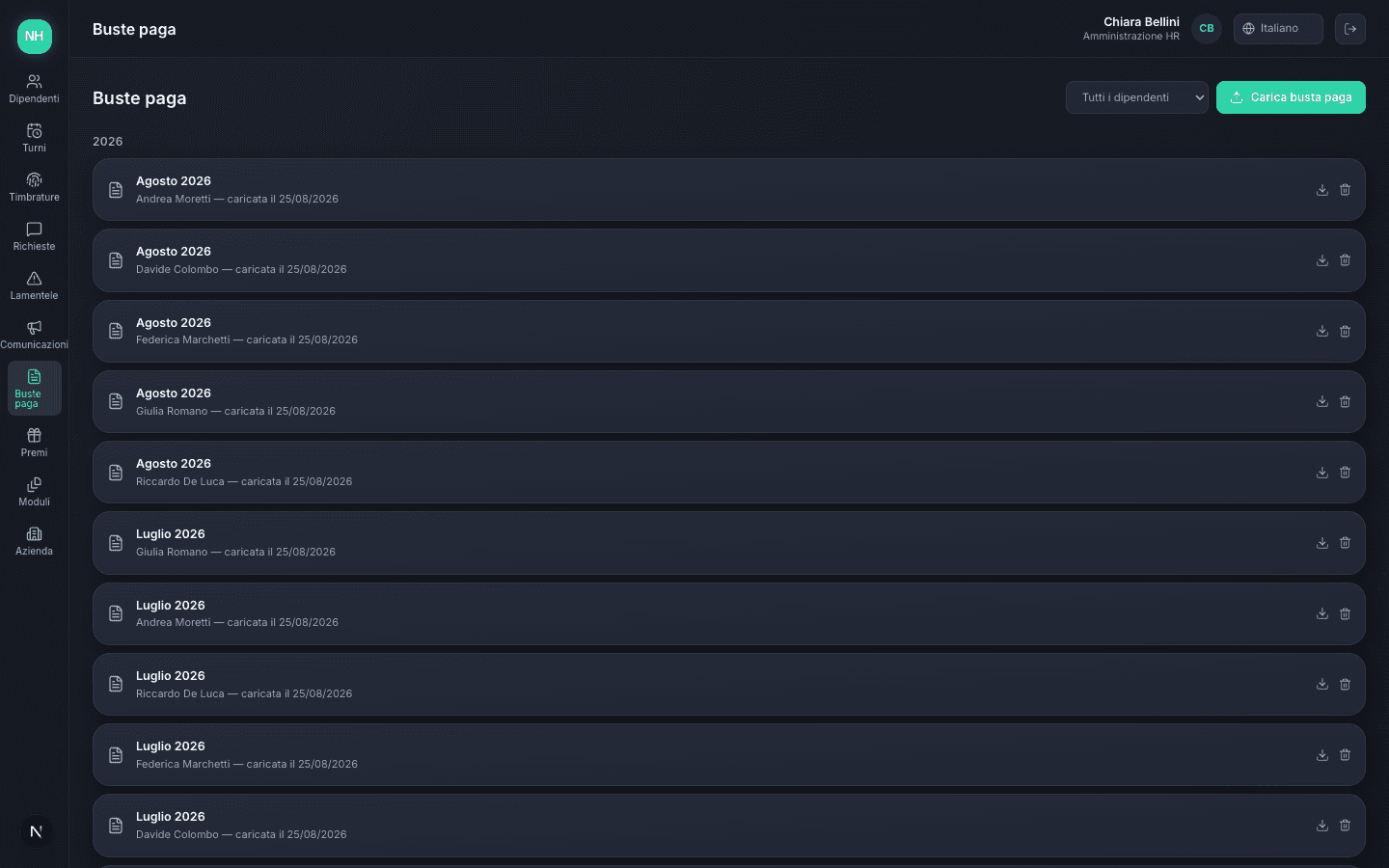
An archive, not a calculation that could go wrong
Calculating net pay, contributions, and taxes inside a generic piece of software is a real risk — a mistake has real tax consequences for the employee.
HR uploads the PDF already processed by the payroll consultant, the employee finds it right away in the app, organized by year. Archive only — never an automatic calculation that could go wrong.
Welfare vouchers, with a clear history
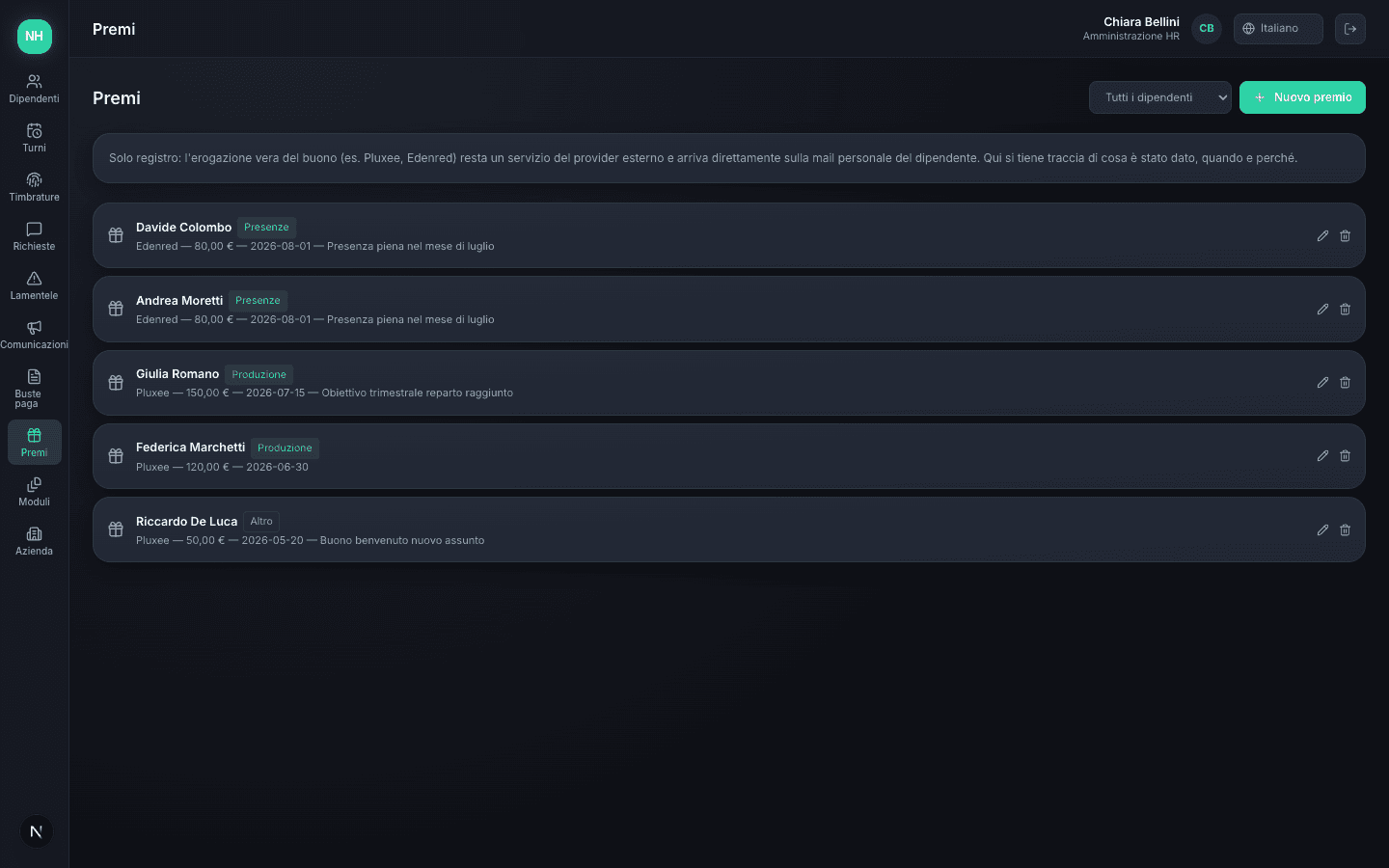
Pluxee or Edenred vouchers tied to output or attendance come from an external provider, but the reason they were given easily gets lost.
HR records what was given, when, and why — output, attendance, or other — and the employee sees the full history in the app, always available.
Frequently asked questions
No. Novelink HR handles shifts, attendance, requests, and communications — calculating payslips, contributions, and tax filings stays with your payroll consultant, who uploads the processed PDF directly into the platform.
Ready to simplify how you manage your people?
See how Novelink HR can bring shifts, attendance, and requests into one system, for HR and for every employee.